In today's connected world, children have access to smartphones, tablets, social media platforms, online games, educational apps, and digital content from an increasingly young age.
While technology offers valuable opportunities for learning, communication, creativity, and entertainment, it can also create challenges for parents who want to encourage healthy digital habits and maintain awareness of their children's online activities.
Many parents struggle with questions such as:
- How much screen time is too much?
- Which apps are my child using?
- Can I limit distractions during homework?
- How can I know where my child is when they're away from home?
- Is there a way to encourage healthier smartphone habits?
FamiGuard is designed to help answer these questions.
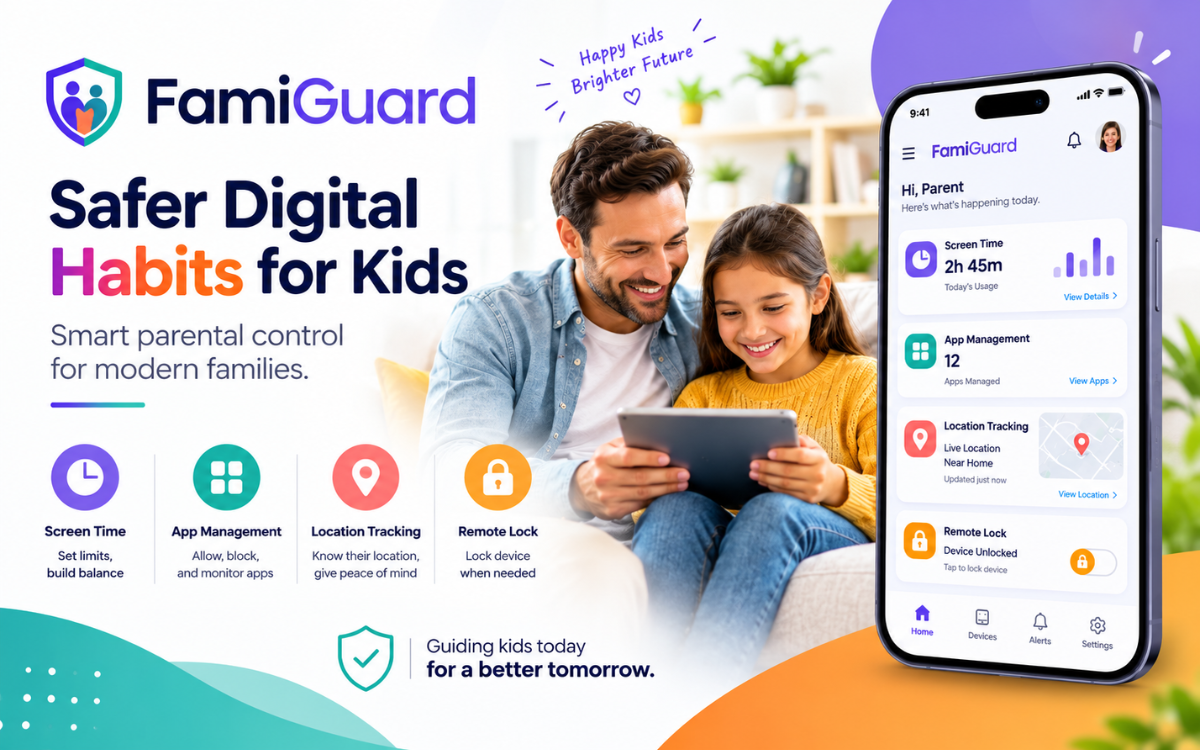
FamiGuard is a powerful yet easy-to-use parental control and child safety app that provides practical tools for managing screen time, monitoring device activity, tracking location, managing installed applications, and remotely controlling device access when necessary.
By bringing these tools together in one platform, FamiGuard helps parents support safer and more responsible technology use while maintaining transparency and family communication.
Download FamiGuard for Android
Parents can download FamiGuard directly from Google Play and begin setting up parental controls for connected child devices.
Download FamiGuard on Google Play:
Download FamiGuard on Google Play
Once installed, parents can connect supported child devices...
- Screen-time monitoring
- Application management
- Remote device locking
- Activity reports
- Location tracking
- Battery monitoring
- App usage insights
What Is FamiGuard?
FamiGuard is a parental control and family safety application designed to help parents better understand and manage their children's smartphone usage.
Rather than manually checking a child's device throughout the day, parents can access useful information and controls from a centralized dashboard.
The app provides visibility into important areas of device usage, including:
- Daily screen time
- Installed applications
- Currently active apps
- Device battery status
- Activity reports
- Real-time location
- App restrictions
- Remote device locking
This allows parents to make informed decisions about device usage while helping children develop healthier digital habits.
FamiGuard is designed around a simple principle:
Technology should support families, not create additional stress.
By making digital supervision easier and more organized, parents can spend less time managing devices and more time focusing on meaningful conversations with their children.
Why Parents Need a Parental Control App
Smartphones have become an important part of modern childhood.
Children use mobile devices for:
- Schoolwork
- Communication
- Entertainment
- Educational content
- Navigation
- Social interaction
- Creative activities
While these benefits are valuable, unrestricted device usage can sometimes lead to challenges such as:
- Excessive screen time
- Gaming distractions
- Poor sleep habits
- Reduced focus during homework
- Overuse of social media
- Difficulty maintaining healthy routines
A parental control solution can help parents establish reasonable boundaries without requiring constant supervision.
Instead of repeatedly reminding children to stop using a device, parents can create practical rules and use technology to support those expectations.
FamiGuard helps parents:
- Understand how devices are being used
- Monitor screen-time habits
- Identify distracting applications
- Restrict selected apps
- Lock devices when necessary
- Stay informed about a child's location
- Review digital activity trends
- Encourage healthier technology habits
The goal is not to control every aspect of a child's digital life.
Instead, FamiGuard helps parents guide technology usage in a way that supports learning, safety, and responsible behavior.
Key Features of FamiGuard
1. Simple Parent and Child Setup
Getting started with FamiGuard is designed to be straightforward.
When opening the app, users can select whether they are setting up:
- Parent Mode
- Child Mode
Parents can connect multiple child devices to a single account, making it easier to manage an entire family's devices from one place.
This setup process is particularly useful for families with:
- Multiple children
- Multiple smartphones
- Shared tablets
- Growing technology needs
Once connected, child devices remain linked to the parent account, allowing ongoing supervision and activity reporting.
The simplified setup process helps families get started quickly without complicated configuration steps.
2. Easy-to-Use Home Dashboard
The FamiGuard dashboard provides parents with a centralized overview of important device information.
Instead of navigating through multiple menus or applications, parents can quickly access key details from one screen.
The dashboard may include information such as:
- Current battery level
- Device status
- Current location
- Active application
- Total screen time
- Recent activity
Having this information readily available helps parents stay informed without constantly checking a child's phone directly.
The dashboard acts as a control center for digital parenting and family safety.
3. Remote Device Lock
One of the most valuable features included in FamiGuard is remote device locking.
There are many situations where children need to temporarily stop using their devices, including:
- Homework sessions
- Study periods
- Family meals
- Bedtime routines
- School preparation
- Family activities
Rather than repeatedly asking a child to put away a phone, parents can remotely lock the connected device through FamiGuard.
This helps establish clear boundaries around device usage and reduces distractions when focus is needed.
4. Manage and Monitor Installed Apps
Modern smartphones often contain dozens—or even hundreds—of applications.
These may include:
- Games
- Social media platforms
- Messaging apps
- Streaming services
- Educational tools
- Productivity apps
- Entertainment apps
While many apps are useful, some can become distractions when used excessively.
FamiGuard allows parents to review installed applications on a connected child device and manage access according to family rules.
Parents can:
- View installed apps
- Search applications
- Filter app lists
- Monitor usage
- Restrict selected apps
- Review app-related activity
This provides greater visibility into a child's digital environment.
5. Screen Time Reports and Digital Insights
Understanding how a child uses a device is often just as important as limiting usage.
FamiGuard includes screen-time reports and activity insights that help parents understand digital behavior patterns over time.
Rather than relying on assumptions, parents can review actual usage data.
The reporting system can provide information such as:
- Daily screen time
- Weekly screen time
- App usage trends
- Activity patterns
- Device engagement summaries
Interactive charts and visual reports make this information easier to understand.
For example, parents may discover that most screen time is spent on:
- Gaming
- Social media
- Educational apps
- Video streaming
- Communication tools
This information can support more productive conversations about technology use.
Understanding how technology is used often leads to better decisions than simply limiting access without context.
6. Real-Time Location Tracking
Child safety extends beyond online activity.
FamiGuard includes real-time location tracking, allowing parents to view a connected child's current location on a map.
Location awareness can provide additional peace of mind when children are:
- Traveling to school
- Visiting friends
- Participating in extracurricular activities
- Spending time away from home
- Attending events or activities
Parents can use location information as another tool for staying connected with their children and understanding where a connected device is located.
Responsible use of location tracking should always involve appropriate communication, transparency, and consideration of a child's age and maturity.
7. Secure Login and Data Protection
Family information and children's digital activity are sensitive.
FamiGuard is designed with security and privacy in mind, helping protect parent and child information through secure account management and data handling practices.
Security is particularly important because parental-control applications may process information related to:
- Device activity
- Application usage
- Screen time
- Location information
- Account details
- Connected devices
FamiGuard aims to provide useful family safety tools while maintaining strong protection for user information.
8. Delete All Data
Privacy and user control should not end when someone stops using an application.
FamiGuard includes a Delete All Data feature that allows users to remove their personal information and usage data if they decide to discontinue using the service.
This functionality provides users with greater control over their information and supports responsible data management practices.
For families who value privacy, having an accessible data-deletion option is an important feature.
FamiGuard and AccessibilityService API
FamiGuard uses Android's AccessibilityService API to support several of its parental-control features.
Accessibility services provide applications with the ability to interact with certain device functions in ways that help deliver enhanced functionality.
In FamiGuard's case, AccessibilityService helps support features such as:
- Monitoring applications currently in use
- Restricting selected apps
- Enforcing screen-time controls
- Supporting remote device locking
- Managing device-access rules
These features require appropriate user consent and setup before they become active.
Why Does FamiGuard Need AccessibilityService?
Some parental-control features cannot function effectively without access to certain device-level capabilities.
For example, if a parent chooses to restrict access to a specific application, the app must be able to recognize when that application is opened in order to apply the restriction.
Similarly, screen-time controls and device-locking features require interaction with system-level functionality.
AccessibilityService provides the technical capability needed to support these parental-control functions.
What FamiGuard Does Not Use AccessibilityService For
According to the app's stated functionality, AccessibilityService is not used for:
- Recording phone calls
- Recording audio
- Reading sensitive personal messages
- Unauthorized data collection
- Deceptive behavior
- Unauthorized system modifications
- Bypassing Android security protections
The service is activated only after user consent and is intended solely for parental-control functionality.
Is FamiGuard Safe for Families?
A parental-control application should do more than monitor devices.
It should also promote transparency, responsible usage, and family communication.
FamiGuard is designed around the idea of helping parents guide technology use rather than encouraging invasive monitoring.
Parents can use the app to support conversations about:
- Screen-time limits
- Online safety
- Responsible app usage
- Digital distractions
- Family technology rules
- Device-free activities
- Homework routines
- Safe travel habits
Technology works best when it supports communication rather than replacing it.
FamiGuard for Managing Screen Time
Excessive smartphone usage can make it difficult for children to maintain healthy routines.
FamiGuard's monitoring and device-management features help parents establish practical boundaries around device use.
For example, a family might create a routine such as:
After School
Children can access approved entertainment and educational applications.
Homework Time
Parents can temporarily restrict distracting applications or lock the device.
Evening Hours
Screen time can gradually be reduced as bedtime approaches.
Bedtime
The device can be locked to encourage a healthier nighttime routine.
Every family has different needs, but FamiGuard provides the tools needed to implement and maintain those rules.
FamiGuard for App Management
Not all applications provide the same value.
Some apps support education and creativity, while others are primarily designed for entertainment.
FamiGuard's app-management functionality helps parents understand which applications are installed and how they are being used.
This can help families create a healthier balance between:
- Education
- Entertainment
- Communication
- Family activities
- Personal development
Instead of eliminating technology altogether, parents can encourage more responsible usage through informed app management.
FamiGuard for Child Safety
Digital safety and physical safety are increasingly connected.
Children often carry smartphones while:
- Traveling to school
- Visiting friends
- Participating in sports
- Attending activities
- Spending time away from home
Real-time location tracking provides parents with additional awareness of where a connected device is located.
Combined with app management, activity monitoring, and screen-time controls, FamiGuard becomes more than a parental-control app—it becomes a family safety solution.
Parents should always use location-monitoring features responsibly and in accordance with applicable laws and family expectations.
How FamiGuard Supports Smart Parenting
The purpose of parental controls is not to control every aspect of a child's life.
The most effective approach is to use technology as a tool for teaching responsibility.
FamiGuard supports this approach by giving parents visibility into device usage while allowing them to establish reasonable boundaries.
For example, parents can:
- Review screen-time reports
- Discuss digital habits
- Identify distractions
- Set appropriate limits
- Adjust rules as children mature
Over time, children can develop healthier technology habits and a stronger understanding of responsible device usage.
Benefits of Using FamiGuard
Centralized Parental Controls
Manage important aspects of a connected child's device from a single dashboard.
Better Screen-Time Awareness
Review daily and weekly usage reports to understand technology habits.
App Management
Monitor and restrict applications that may create distractions.
Remote Device Control
Lock devices remotely during homework, family activities, or bedtime.
Location Awareness
View the location of connected devices for additional peace of mind.
Privacy-Focused Features
Benefit from secure data handling and in-app data deletion options.
Simple Family Setup
Connect multiple child devices to a parent account with a straightforward setup process.
Who Should Use FamiGuard?
FamiGuard can be useful for:
- Parents of school-age children
- Families managing multiple devices
- Parents concerned about screen time
- Families looking to reduce distractions
- Parents who want location awareness
- Families establishing digital-use guidelines
- Parents seeking healthier technology habits
The app is intended as a parental guidance tool, allowing families to choose monitoring practices appropriate for their circumstances.
How to Download FamiGuard
Getting started is simple.
Step 1: Download FamiGuard
Install the app from Google Play:
Download FamiGuard on Google Play
Step 2: Select Your Role
Choose whether you are setting up:
- Parent Mode
- Child Mode
Step 3: Connect Devices
Follow the setup instructions to securely connect child devices to the parent account.
Step 4: Configure Permissions
Review and approve the permissions required for the parental-control features you wish to use.
Step 5: Create Family Rules
Set app restrictions, screen-time preferences, and device-access schedules according to your family's needs.
Step 6: Monitor Activity
Use the dashboard and reports to understand device usage, activity trends, battery status, and location information.
Step 7: Adjust Over Time
Review and update family rules as children become more independent and their needs evolve.
Frequently Asked Questions
What is FamiGuard?
FamiGuard is a parental control and child safety app that helps parents monitor screen time, manage apps, track location, and remotely manage connected child devices.
Where can I download FamiGuard?
FamiGuard is available on Google Play.
Can FamiGuard track a child's location?
Yes. FamiGuard includes real-time location tracking for connected child devices.
Can parents lock a child's phone remotely?
Yes. Parents can remotely lock connected devices using FamiGuard.
Can FamiGuard manage installed apps?
Yes. Parents can review, monitor, and restrict selected applications.
Does FamiGuard provide screen-time reports?
Yes. The app provides activity insights and screen-time reports.
Why does FamiGuard use AccessibilityService?
AccessibilityService supports key parental-control features such as app restrictions, device locking, and screen-time controls.
Does FamiGuard record audio?
No. According to the app's stated functionality, AccessibilityService is not used for audio recording.
Can users delete their data?
Yes. FamiGuard includes a Delete All Data option.
Can I manage multiple child devices?
Yes. Parents can connect and manage multiple child devices from a single account.
Related Family Safety and Privacy Apps
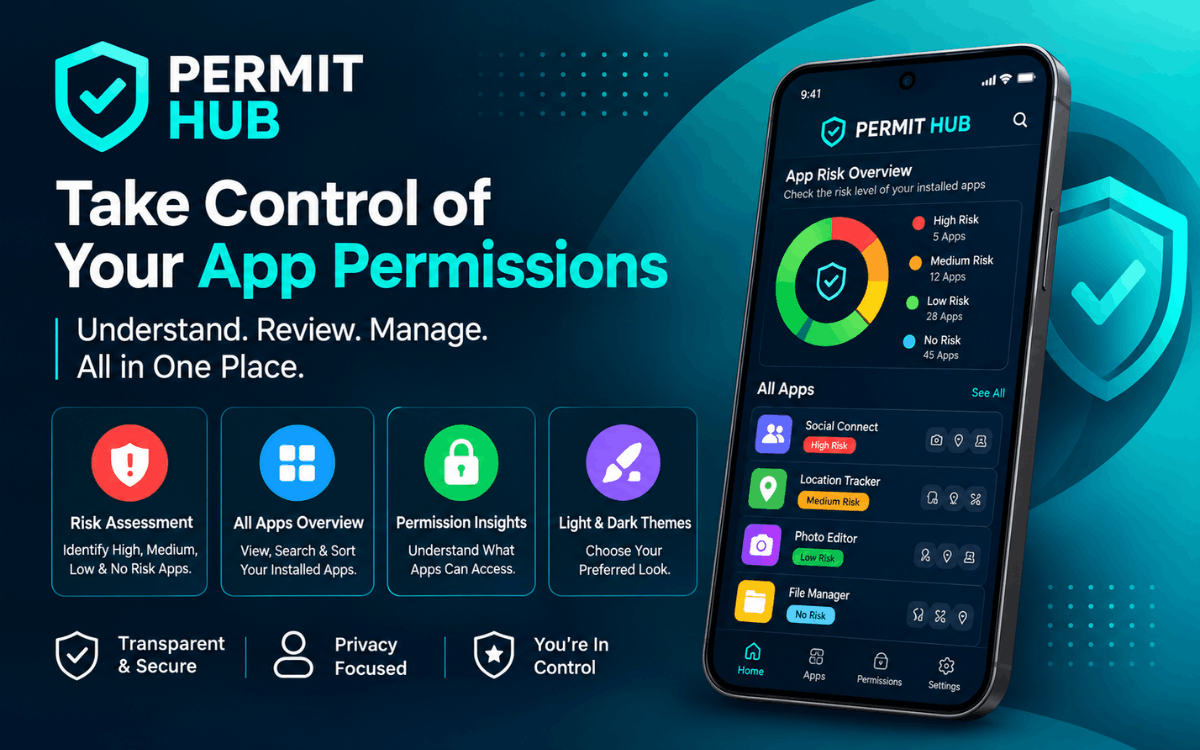
Families interested in improving digital safety may also find our Android permission-management solution useful.
Read more:
Permit Hub: Smart Android Permission Manager for Better App Privacy and Security
Need a Custom Parental Control or Family Safety App?
Parental-control platforms, child-safety solutions, family-tracking systems, and digital-wellbeing applications continue to grow in popularity.
If you're interested in building a similar solution, explore our:
Or contact our team to discuss your project.
Final Thoughts
Smartphones and digital technology are now a major part of modern childhood.
The challenge for parents is not necessarily eliminating technology, but helping children use it safely, responsibly, and in moderation.
FamiGuard brings together screen-time monitoring, app management, remote device locking, activity reporting, and location tracking to help families achieve that goal.
With practical parental-control tools and an easy-to-use interface, FamiGuard helps parents maintain awareness of their child's digital habits while encouraging healthier boundaries around technology use.
Most importantly, FamiGuard is designed to complement communication between parents and children rather than replace it.
By combining technology with clear expectations, healthy
SpeckPro Editorial Team
Mobile App DevelopmentNotes from the SpeckPro team on building, improving, and scaling digital products.